← Back to Apps
ScreenCapture Pro

ScreenCapture Pro

Record your screen and snap screenshots — instantly, from one floating button.

Free + Pro Productivity Utilities Android 8.0+

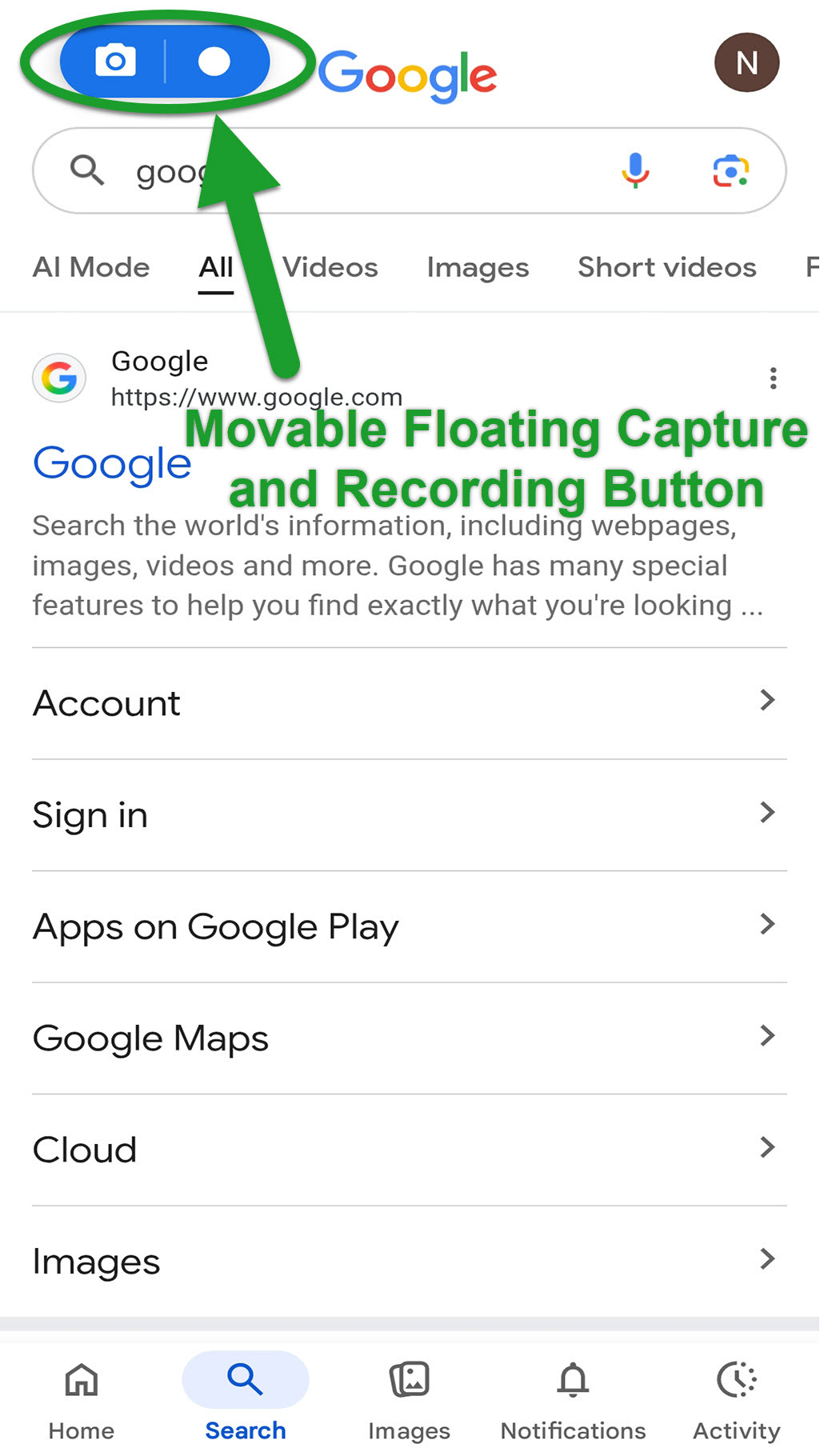
ScreenCapture Pro is the easiest way to record your Android screen and capture screenshots — all from a single floating button that stays on top of every app. No more jumping through menus or settings. Just tap the floating button wherever you are and instantly start recording or snap a screenshot.

The button stays out of your way until you need it, and you can drag it anywhere on the screen. Your recordings and screenshots stay on your device — nothing is uploaded or shared without your explicit action.
🆓 FREE
  • Screen recording (up to 30 seconds)
  • Unlimited screenshots
  • Built-in media gallery
  • Draggable floating button
👑 PRO — One-Time Purchase
  • Unlimited recording length
  • Clean screenshots (no watermarks)
  • High & Lossless video quality
  • Additional audio source options
  • Countdown timer before recording
  • Adjustable button opacity
  • No ads — ever
  • ⭐ Floating button overlay — works over every app
  • 🎥 Crystal-clear screen recording
  • 📸 Full-resolution instant screenshots
  • 🖼️ Built-in gallery for recordings & screenshots
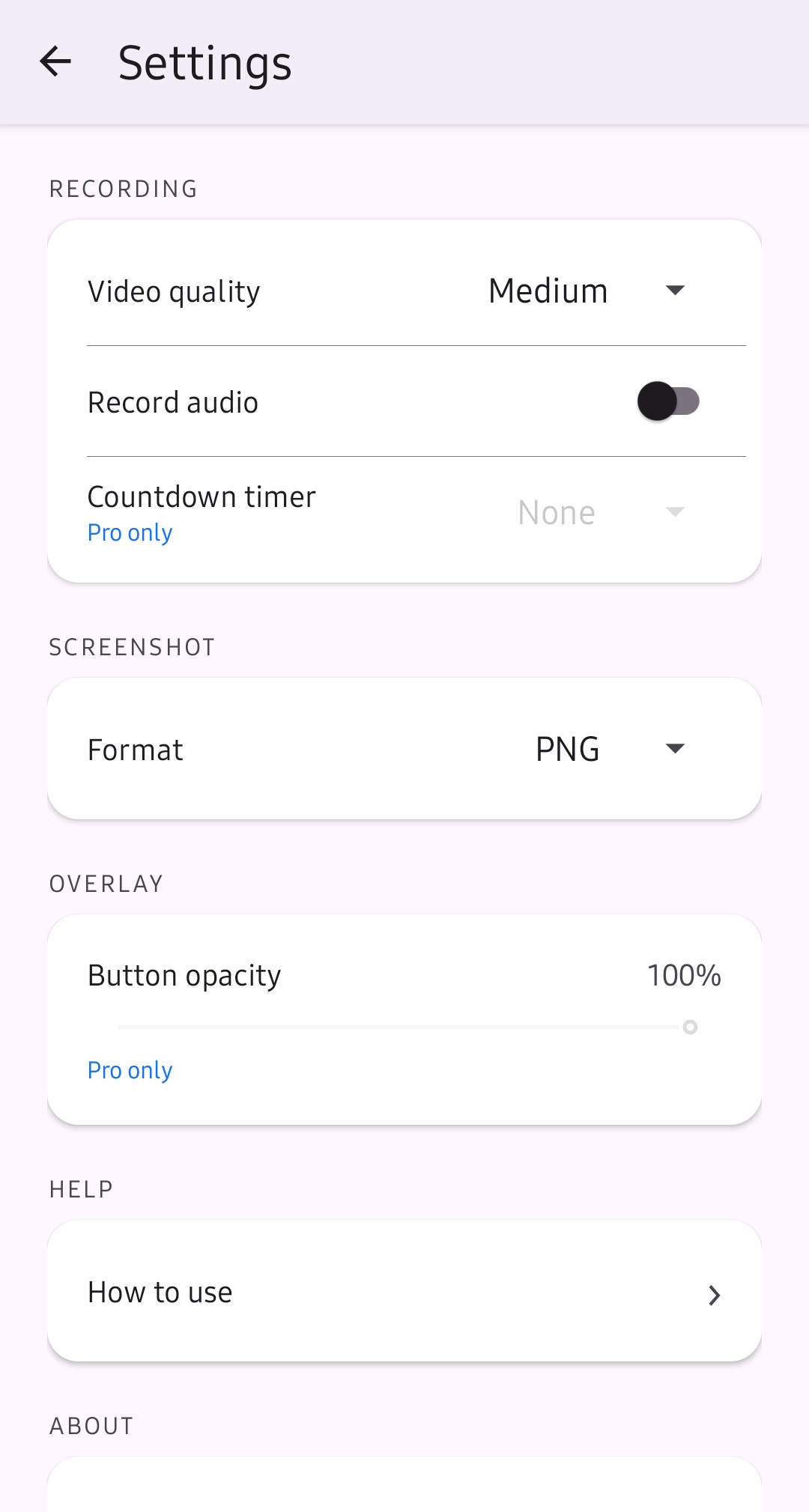
  • ⚙️ Customizable video quality & audio source
  • 🔒 Privacy-first — everything stays on your device
  • 📱 Works over all apps — social media, games, browsers
  • 🔄 Drag button anywhere on screen
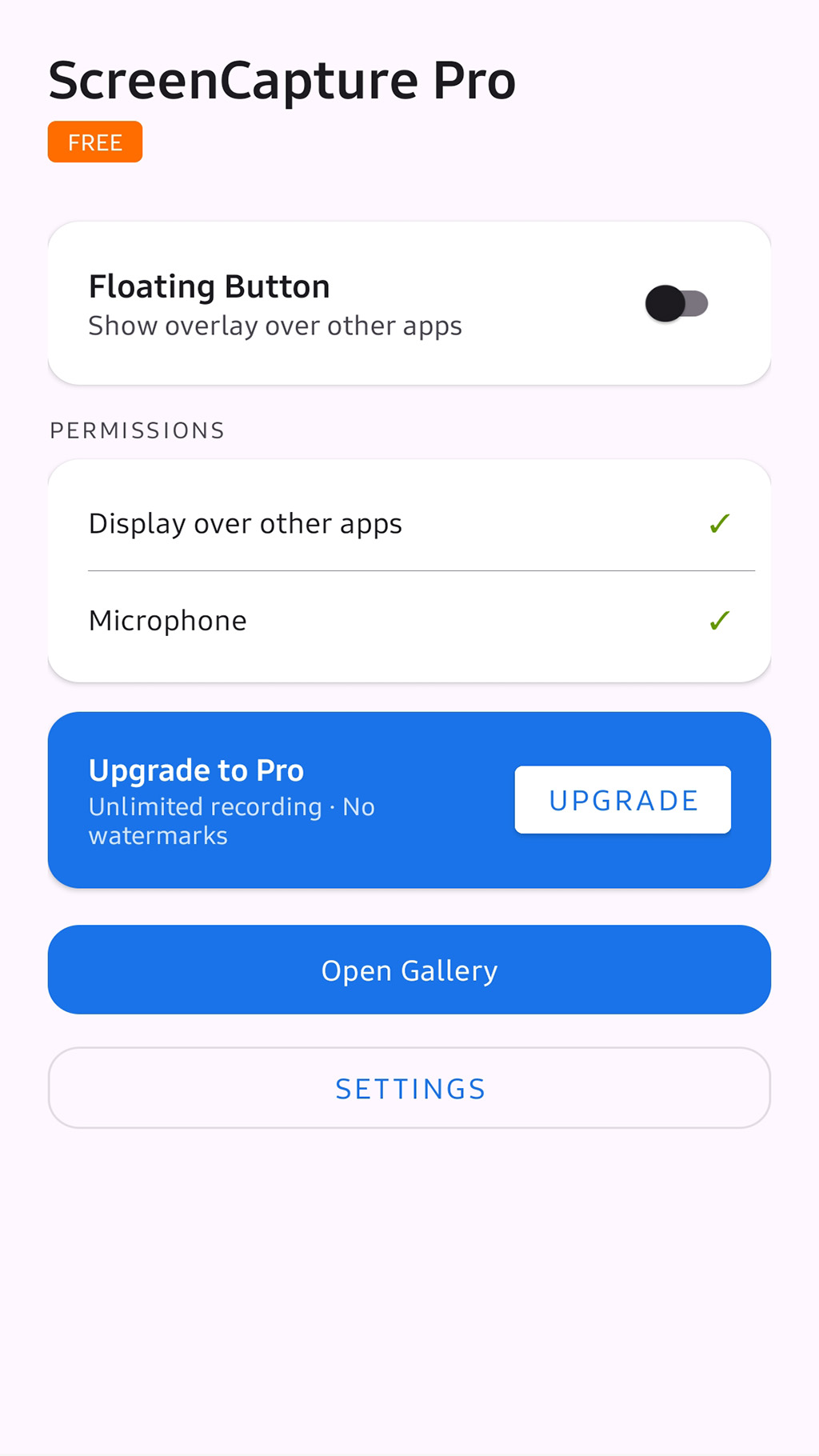
Main Screen
Floating Button
Settings Screen
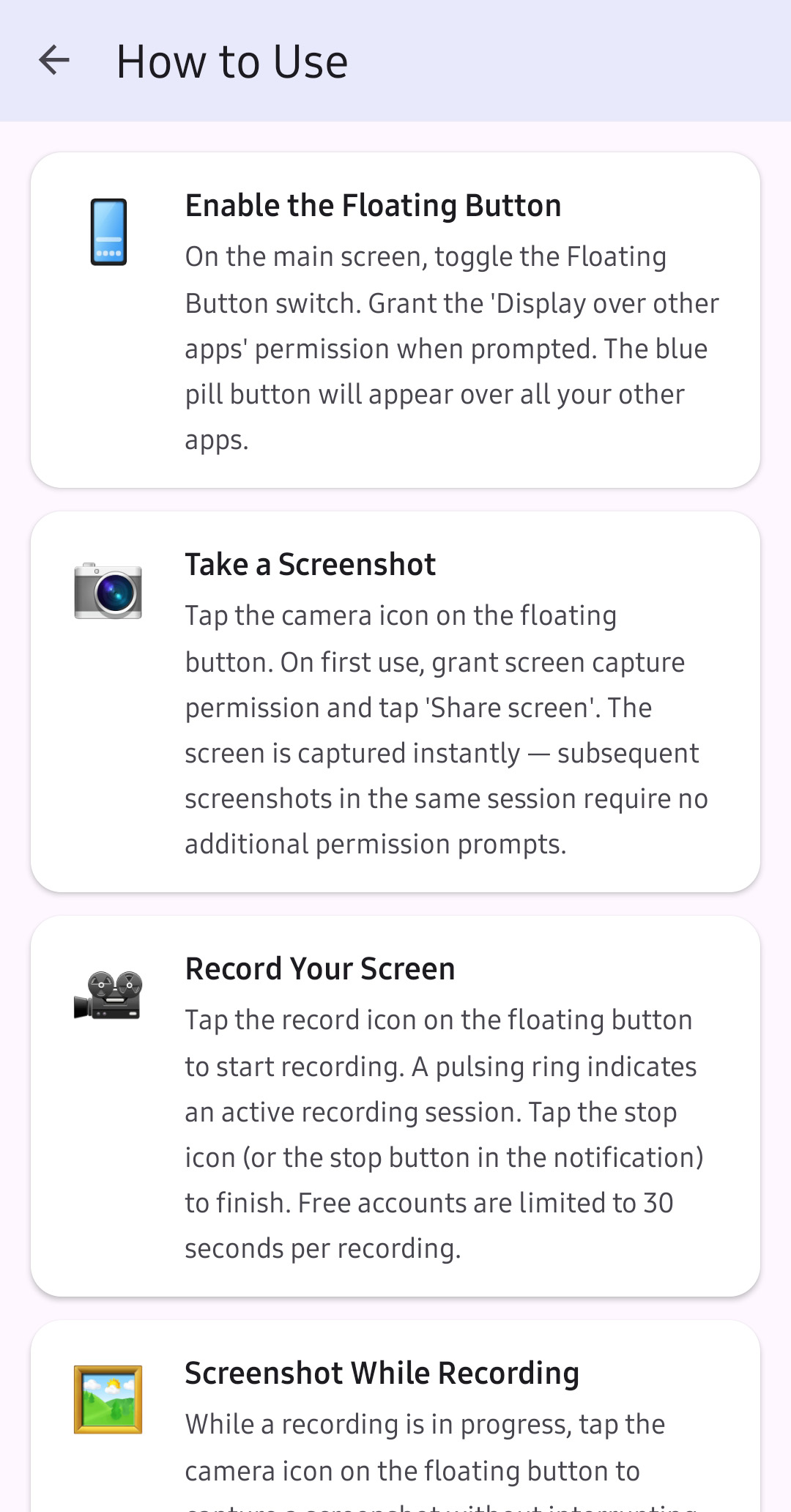
How To Use

Tap any screenshot to view full size

DeveloperCrystal Software
CategoryProductivity / Utilities
Android Version8.0 and above
PriceFree (one-time Pro upgrade available)
Contains AdsFree version: Yes · Pro version: No
In-App PurchasesYes — Pro upgrade (one-time)
Internet RequiredNo
Start recording in seconds.

Free to download. Upgrade to Pro once and own it forever.

Get it on Google Play
View our Privacy Policy