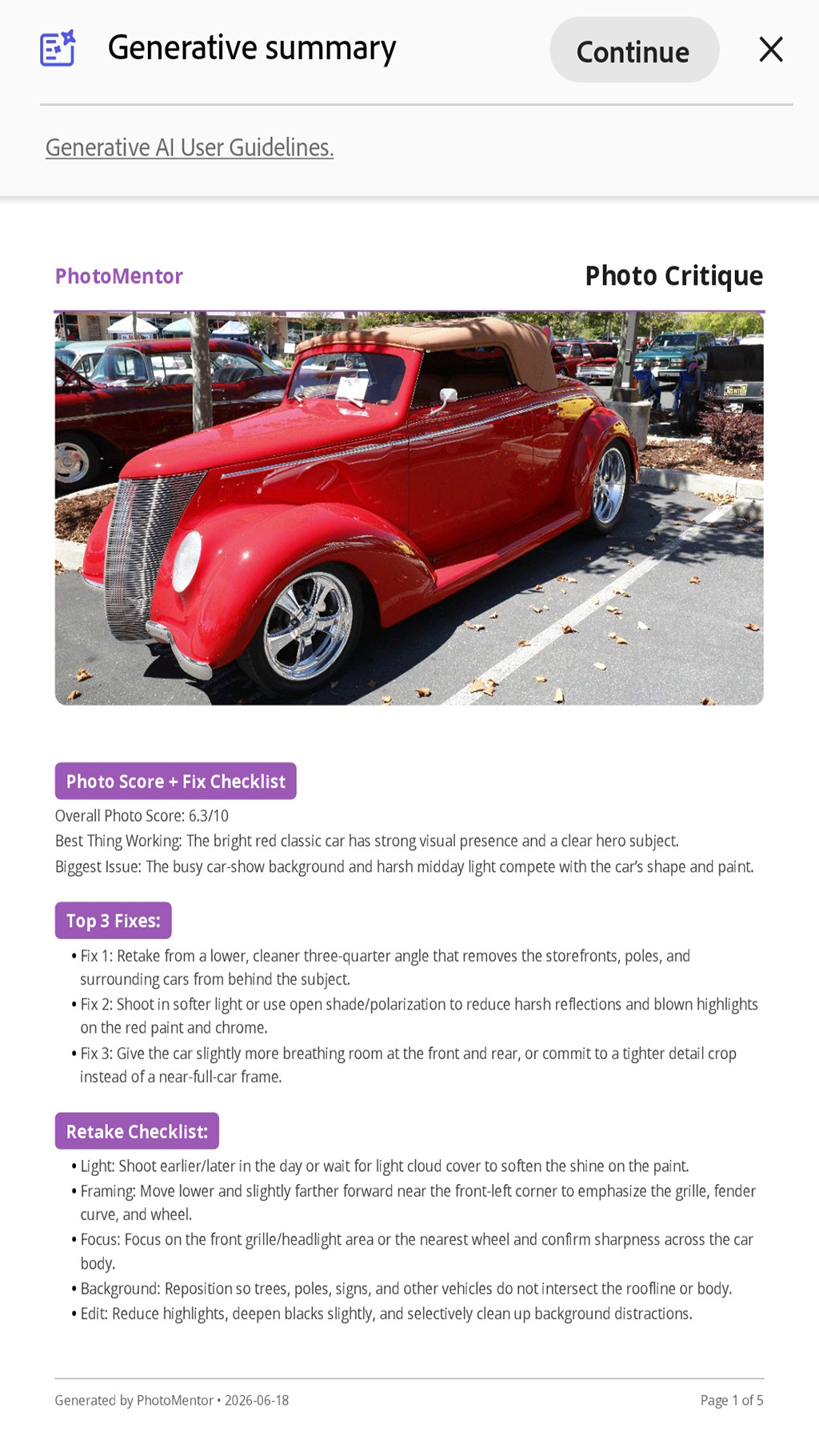
Photo Critique
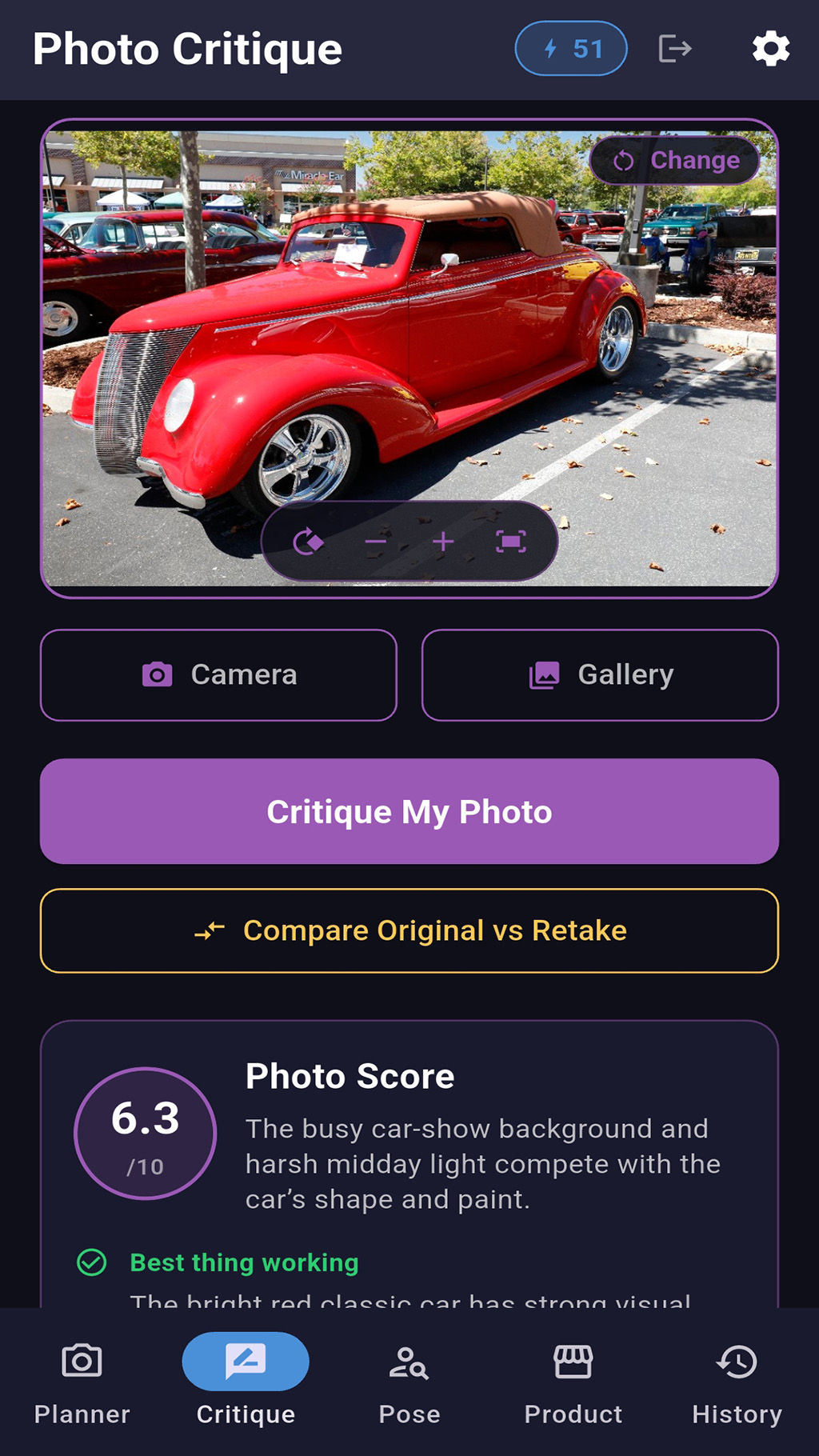
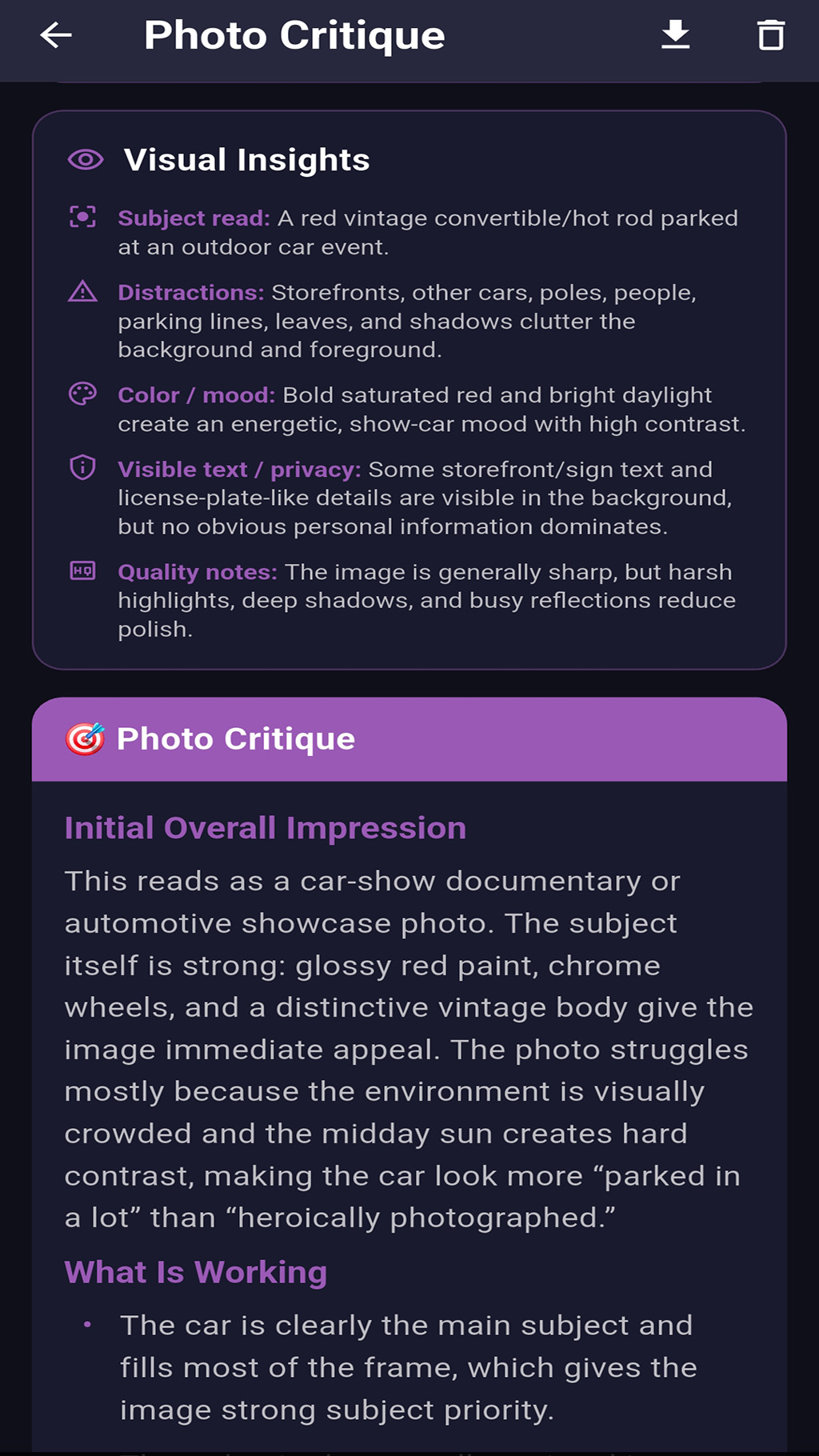
Get a detailed critique with a clear photo score, top fixes, category feedback, editing guidance, and a retake plan. Use it to improve landscapes, objects, portraits, product shots, creative images, and everyday photos.
Best Shot Selector
Compare 2–5 photos for a chosen purpose, rank each image for composition, light, focus, color, impact, and technical quality, and see which frame is strongest and why.
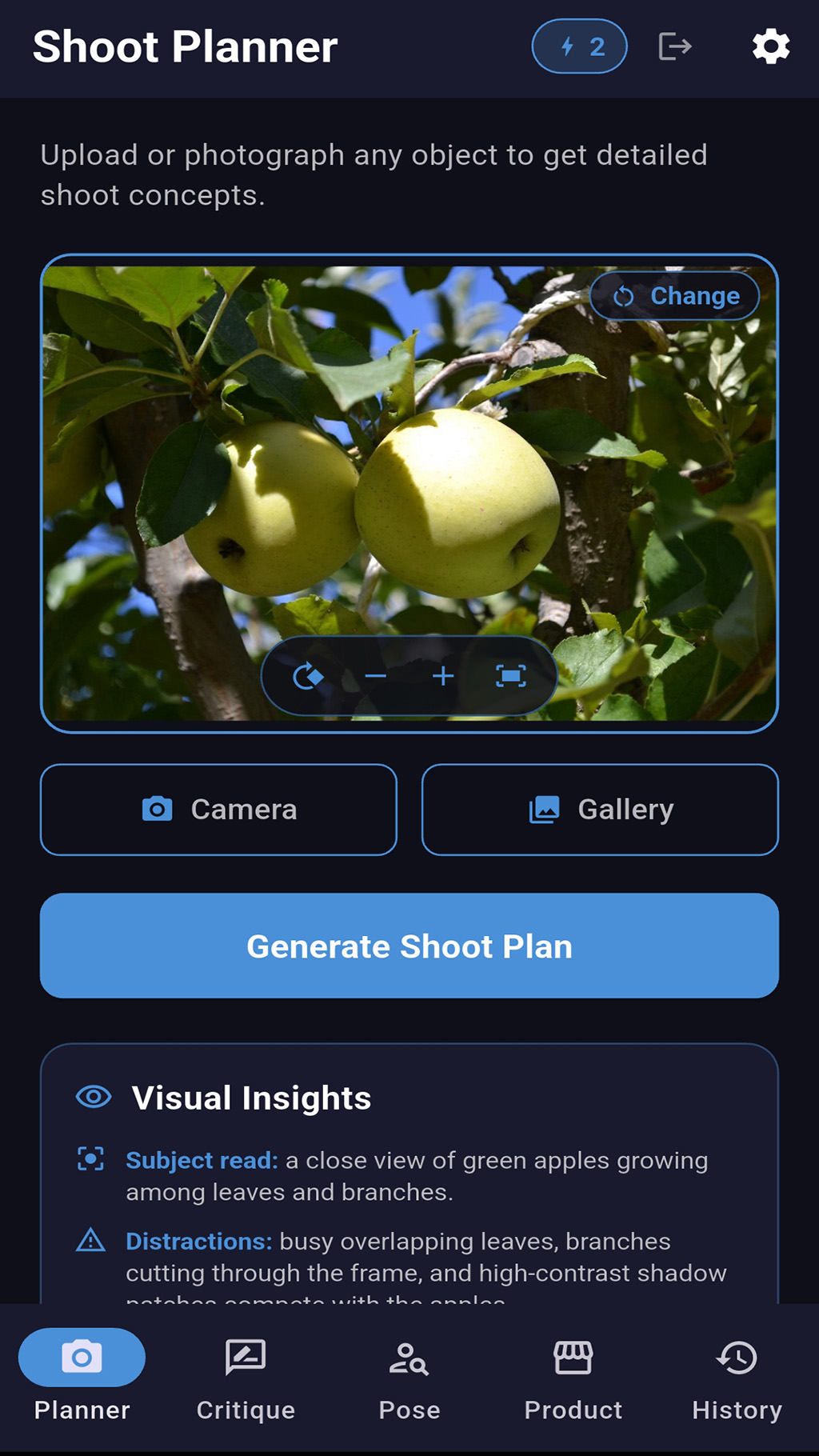
Shoot Planner
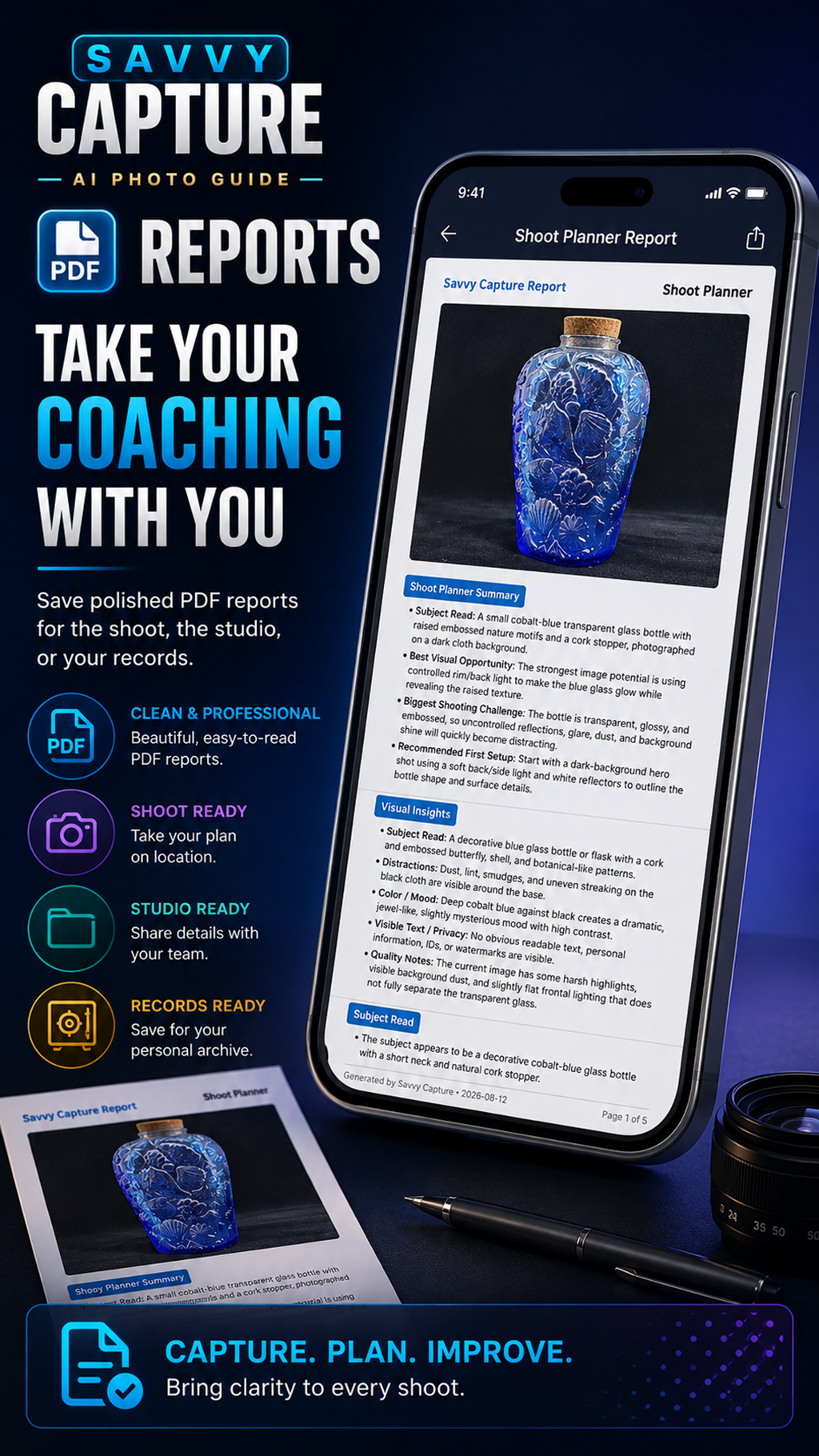
Turn a subject, scene, object, or product into a practical shoot plan with concepts, lighting direction, camera position, composition ideas, starting settings, variations, and a first-shot checklist.
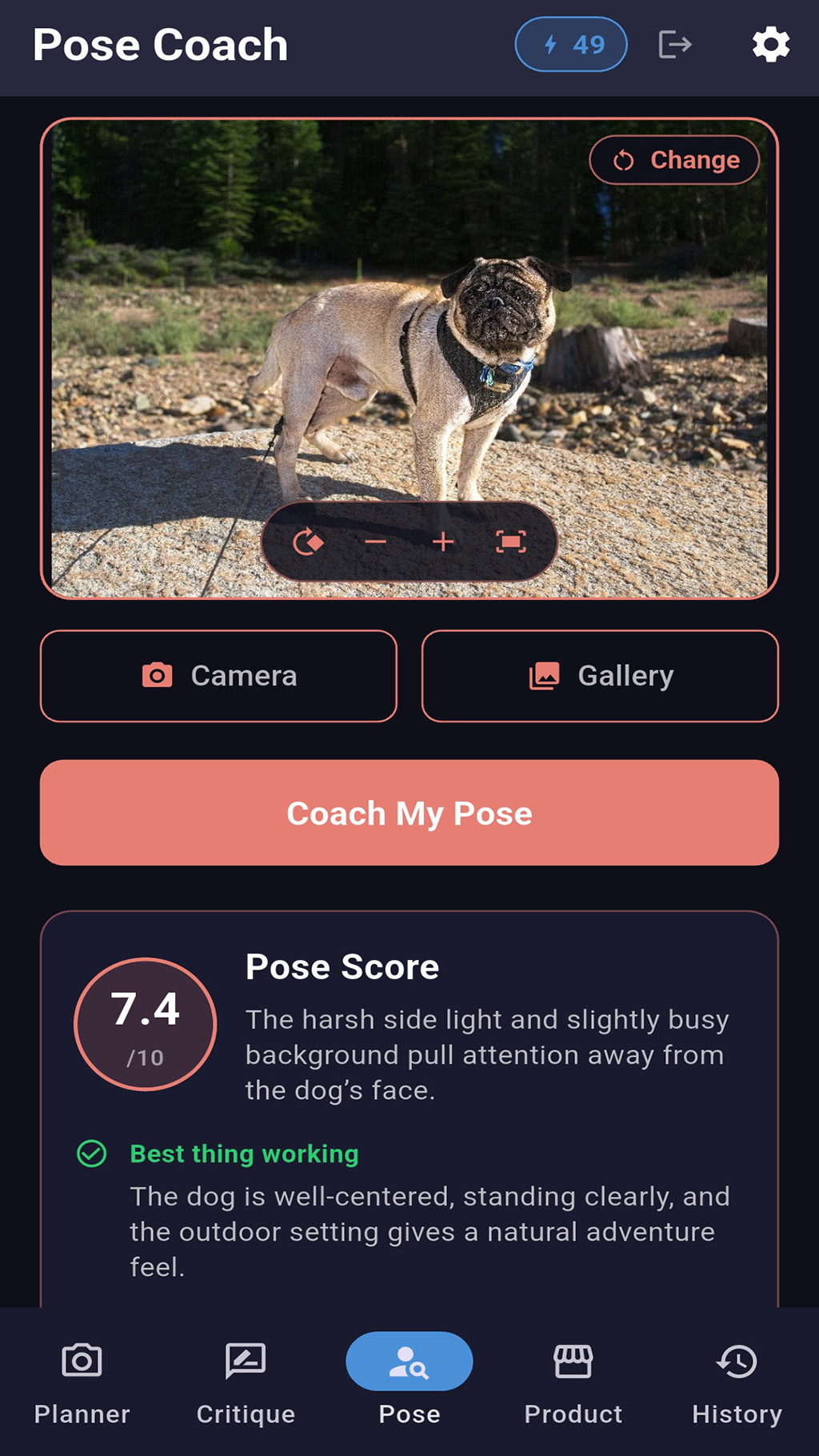
Pose Coach
Improve selfies, portraits, profile photos, couples photos, and small group shots with respectful coaching for posture, expression, face angle, hand placement, framing, lighting, and background.
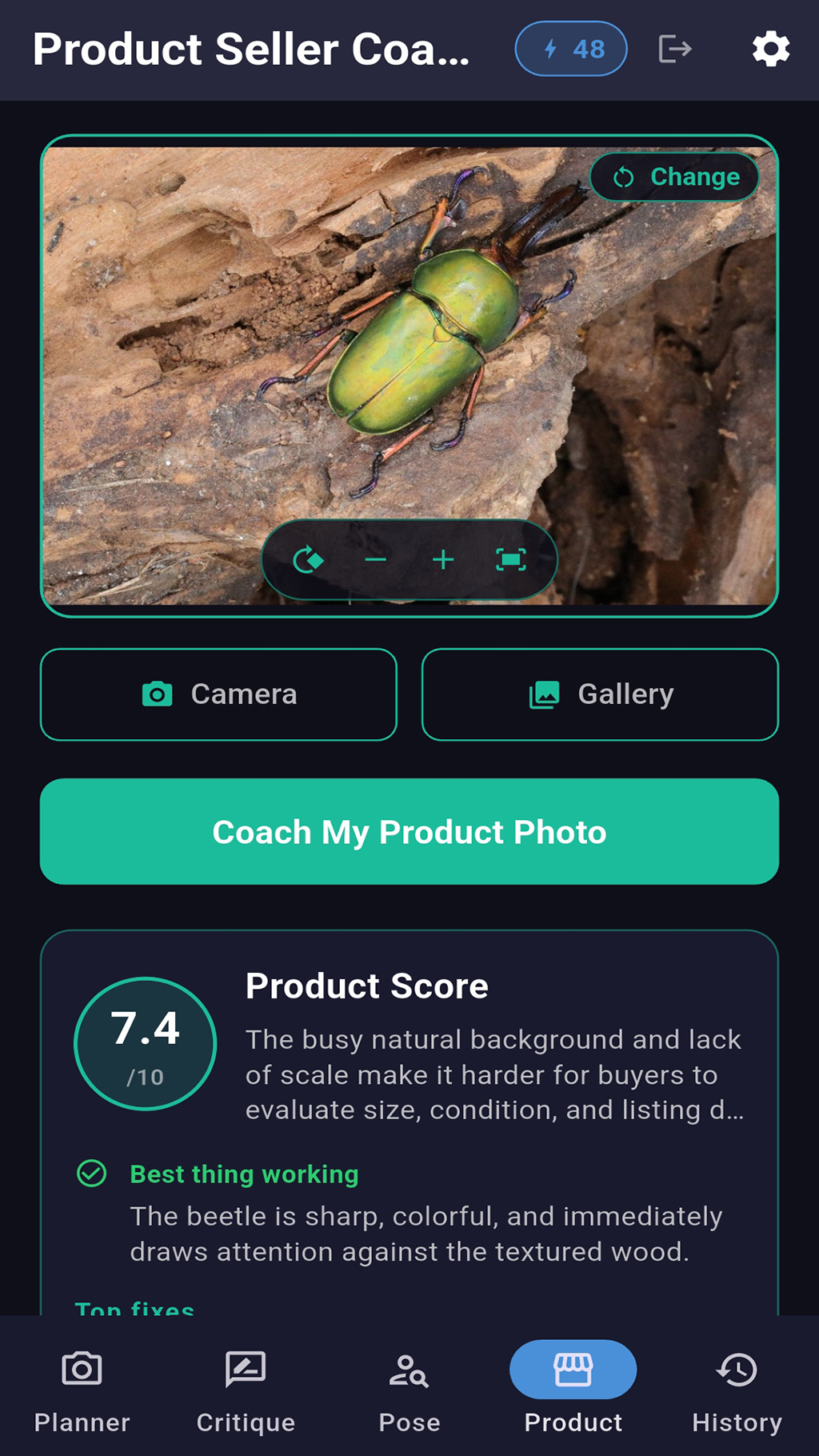
Product Seller Coach
Get seller-focused guidance for product photos, artwork, collectibles, handmade goods, marketplace listings, catalogs, and ads. Savvy Capture helps spot buyer-confidence issues such as glare, harsh shadows, unclear scale, messy backgrounds, distracting crops, and missing detail shots.
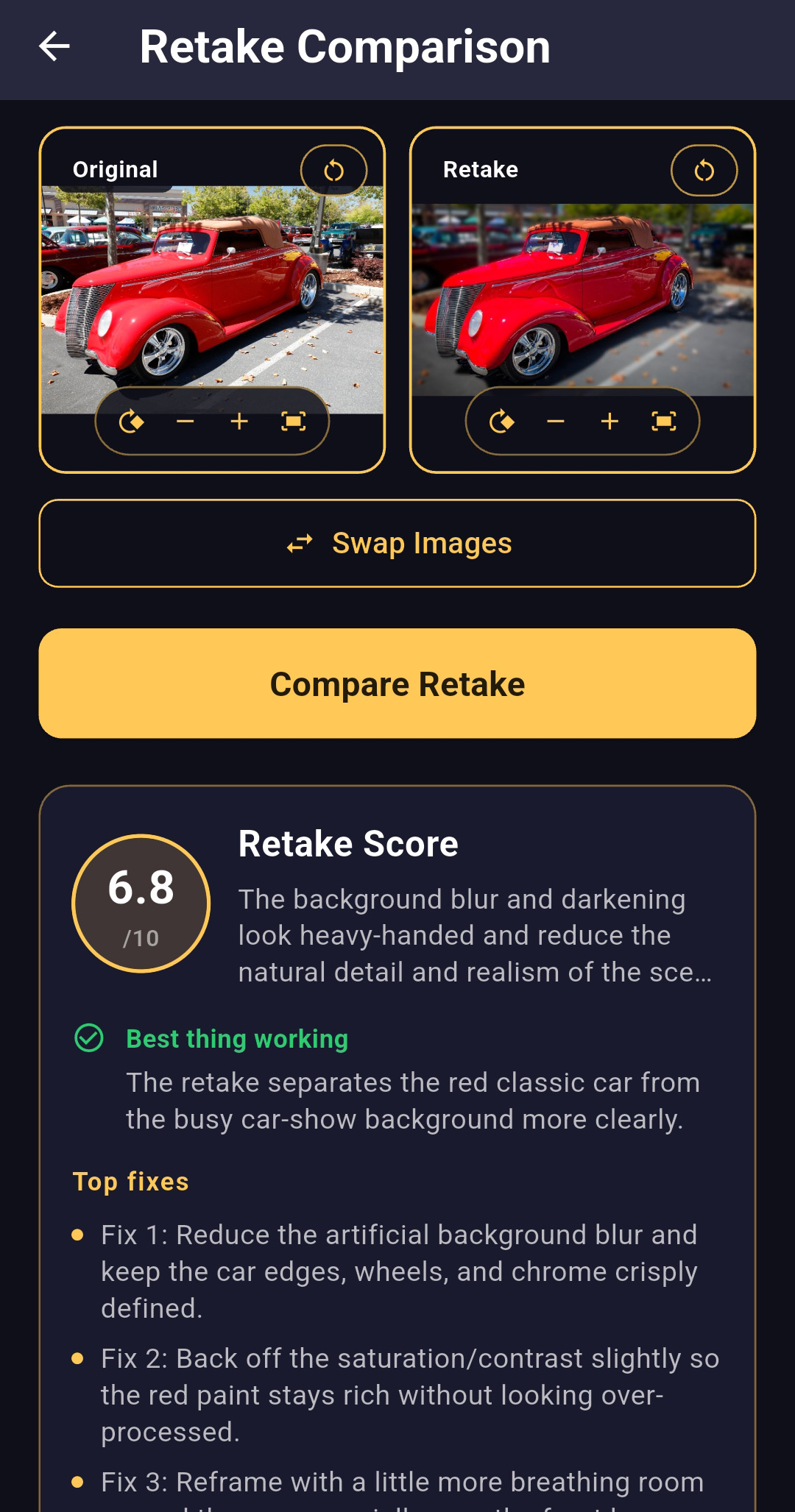
Retake Comparison
Compare an original photo with a retake to see what improved and what still needs work, including score changes, visible improvements, remaining issues, and a next retake plan.
Mentor Progress
Turn saved coaching reports into a practical progress view with your overall average, recent score trend, personal best, retake gains, coaching-mode breakdown, and a suggested practice focus.
- Visual insights for subject notes, distractions, color, mood, visible text, privacy concerns, blur, noise, crop issues, harsh flash, and over-editing
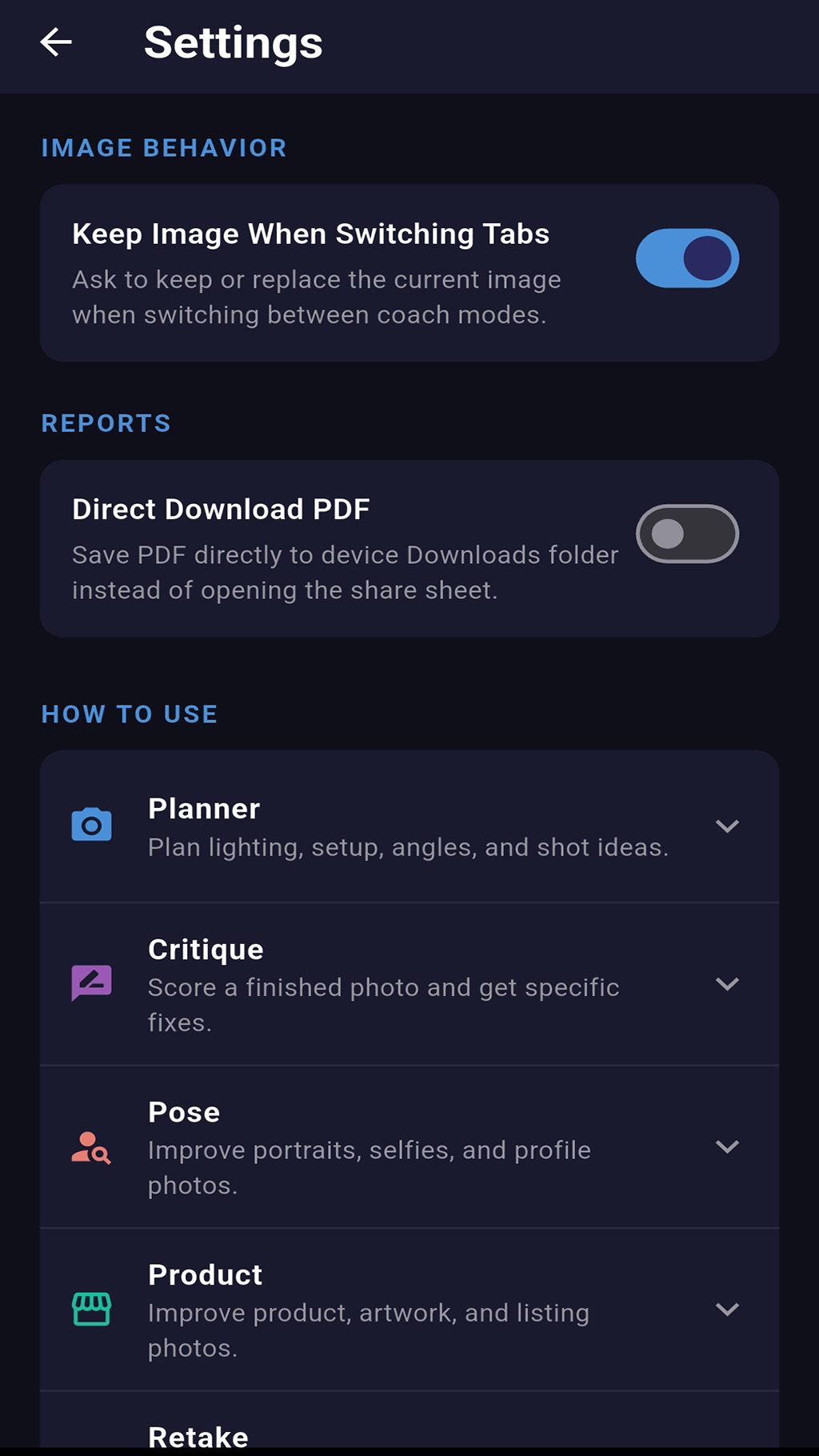
- Image viewer tools to fit, rotate, zoom, reset, and pan photos before reviewing reports
- Built-in, step-by-step guides for every coaching mode
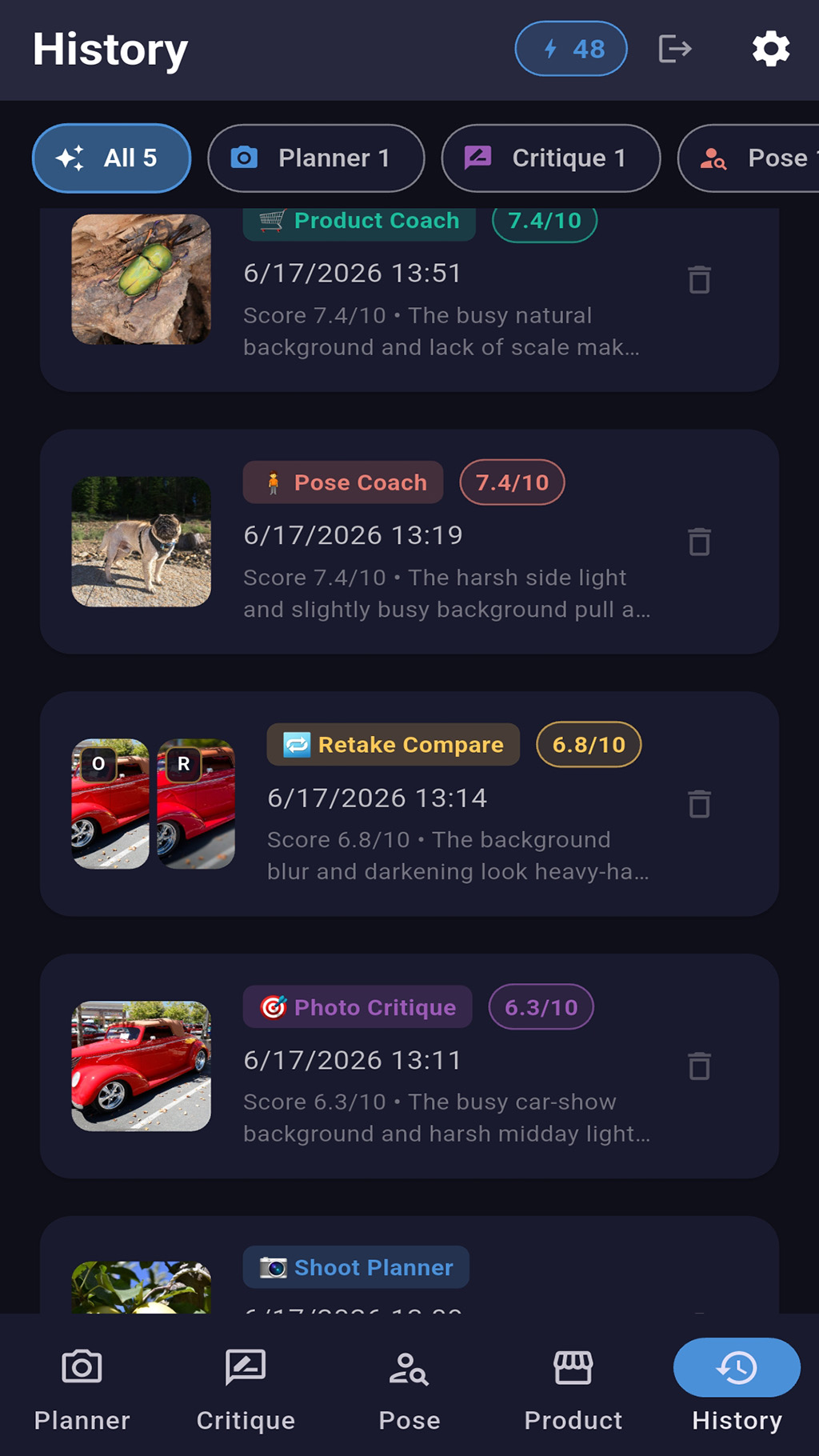
- Filtered history for Planner, Critique, Pose, Product, Retake, and Best Shot reports
- Downloadable PDF report copies
- Manual delete controls for saved reports and images
- Useful for beginners, creators, small businesses, online sellers, portraits, profile photos, and product listings